





PrestaShow developers are long-time, experienced specialists. In our work we use technologies that are proven to work. We undertake the most difficult tasks related to all branches of eCommerce. Our code is clear, secure and lightweight. Ask for a sample or check out our modules.
PShowBlog
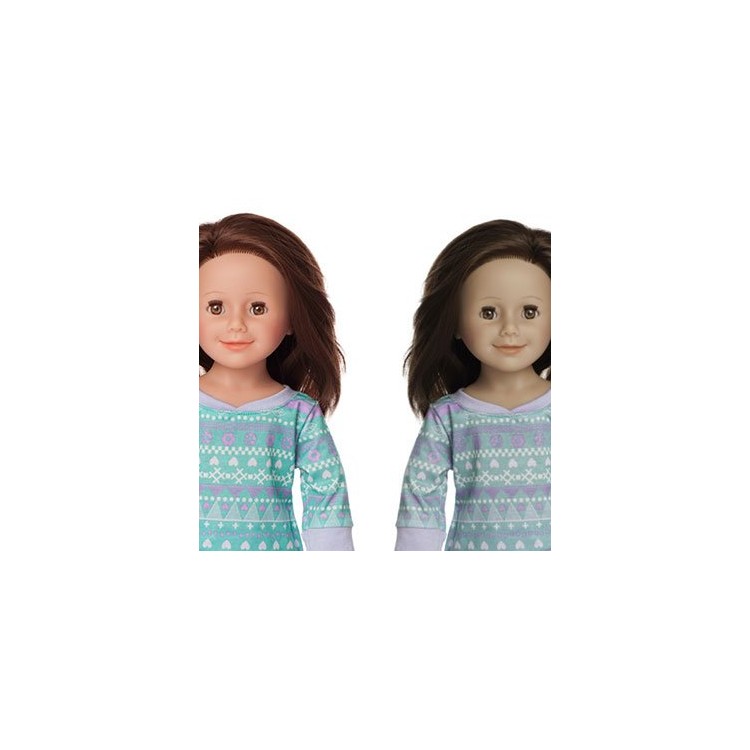
If your store's product images look different than they did before you uploaded the images to - we have a fix for that. After many reports from our customers about the "messy" generation of product photos by PrestaShop, we decided to investigate and resolve the problem.
In the order preview, you can generate a proforma invoice. This option often generates an error: Invoice: TCPDF ERROR: [Image] [...], which occurs in some server configurations and has not been patched until version 1.6.1.5. This short post will tell you exactly what to do to make profrorma invoices generate correctly.
Counting online payment transactions and counting conversions from the order-confirmation level is very rarely without error. We outline the reason for the discrepancies that arise and advise on how to minimize the errors associated with uncounted transactions.
The "blocknewproducts" module shows new products only a certain number of days since they were added to the store. With our modification, the module will show products sorted by the date of addition, regardless of the time that has passed since they were added to the store.